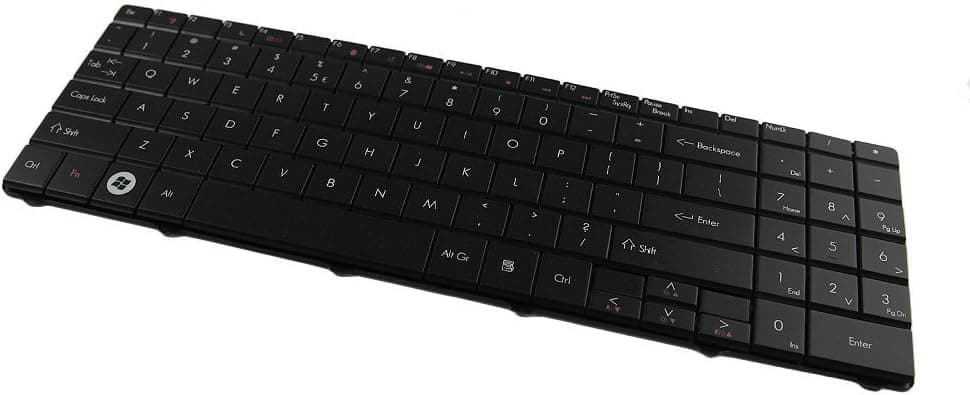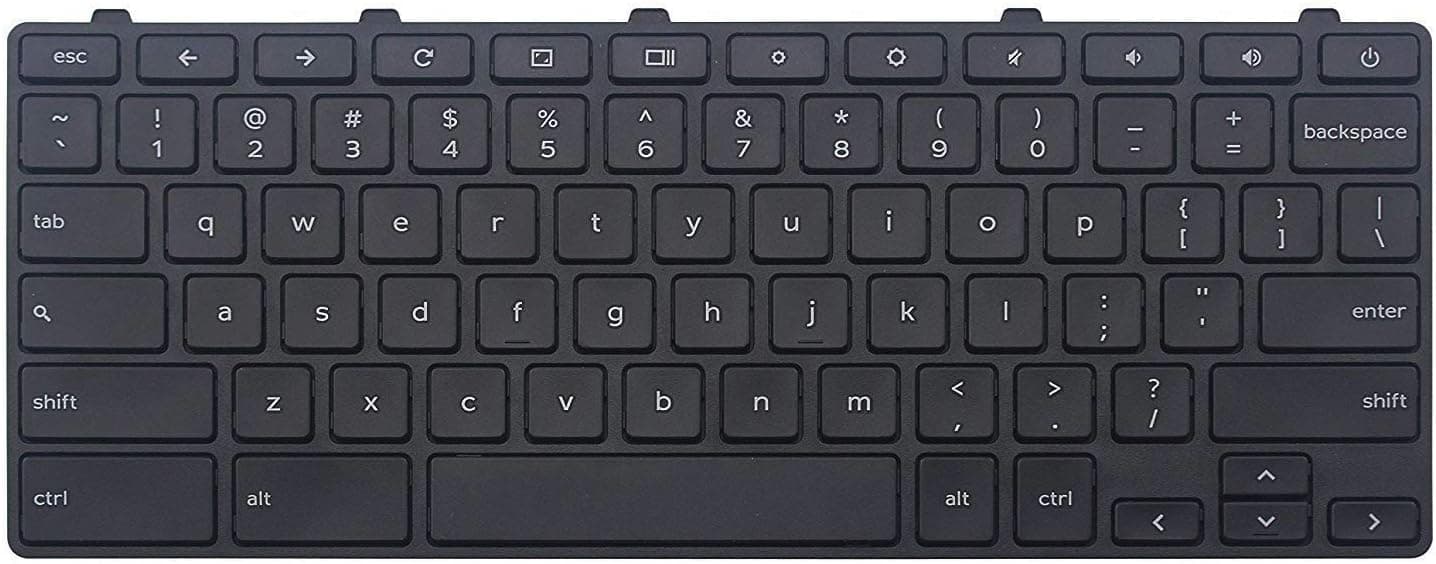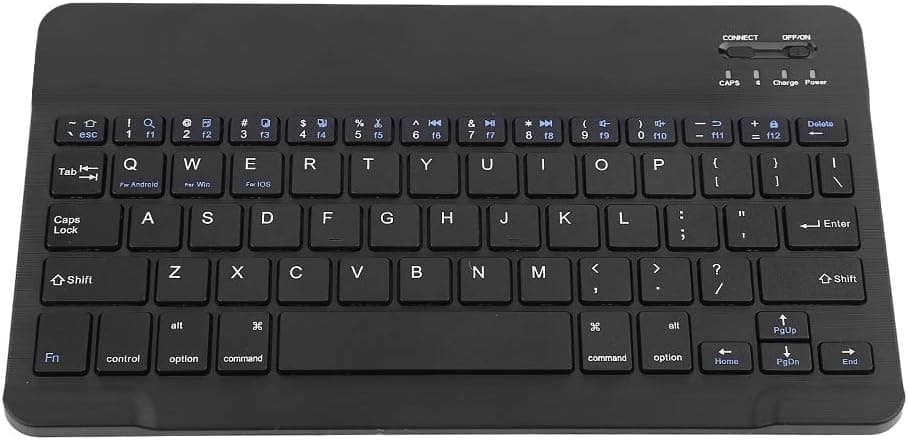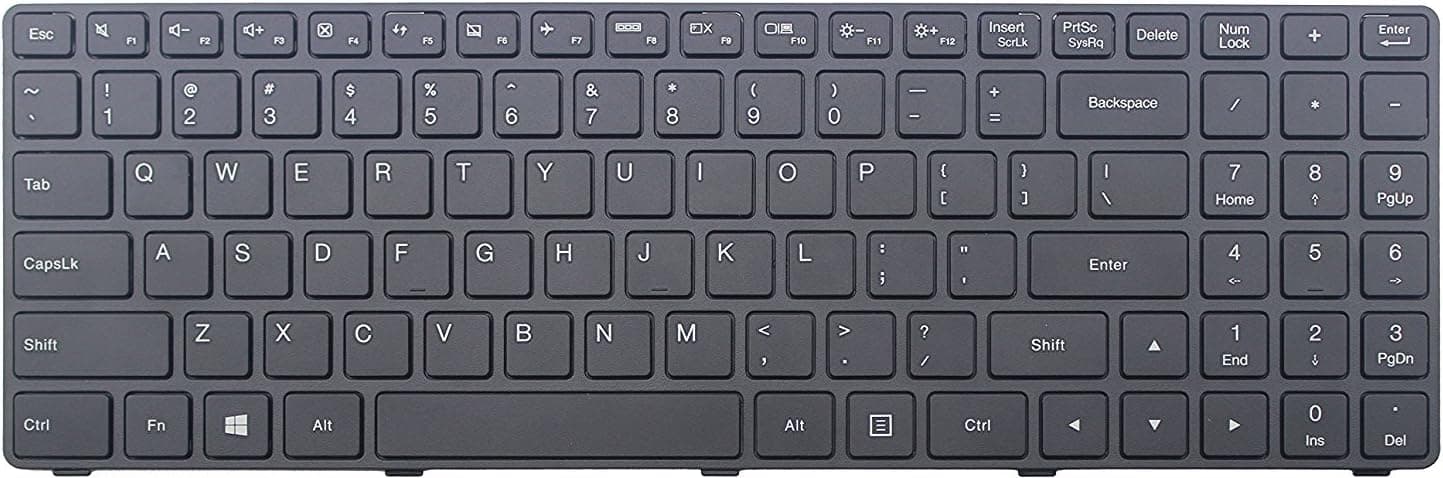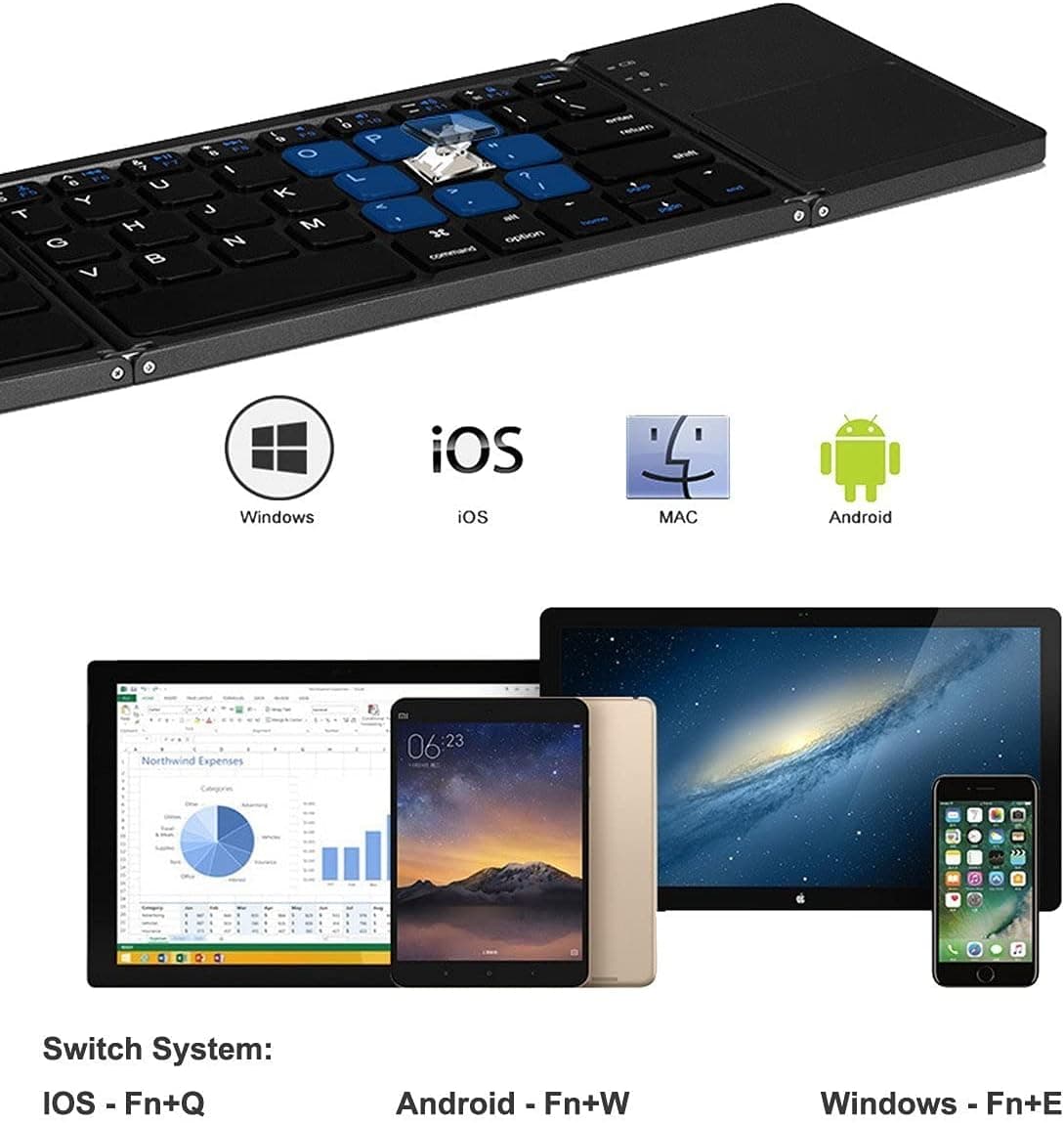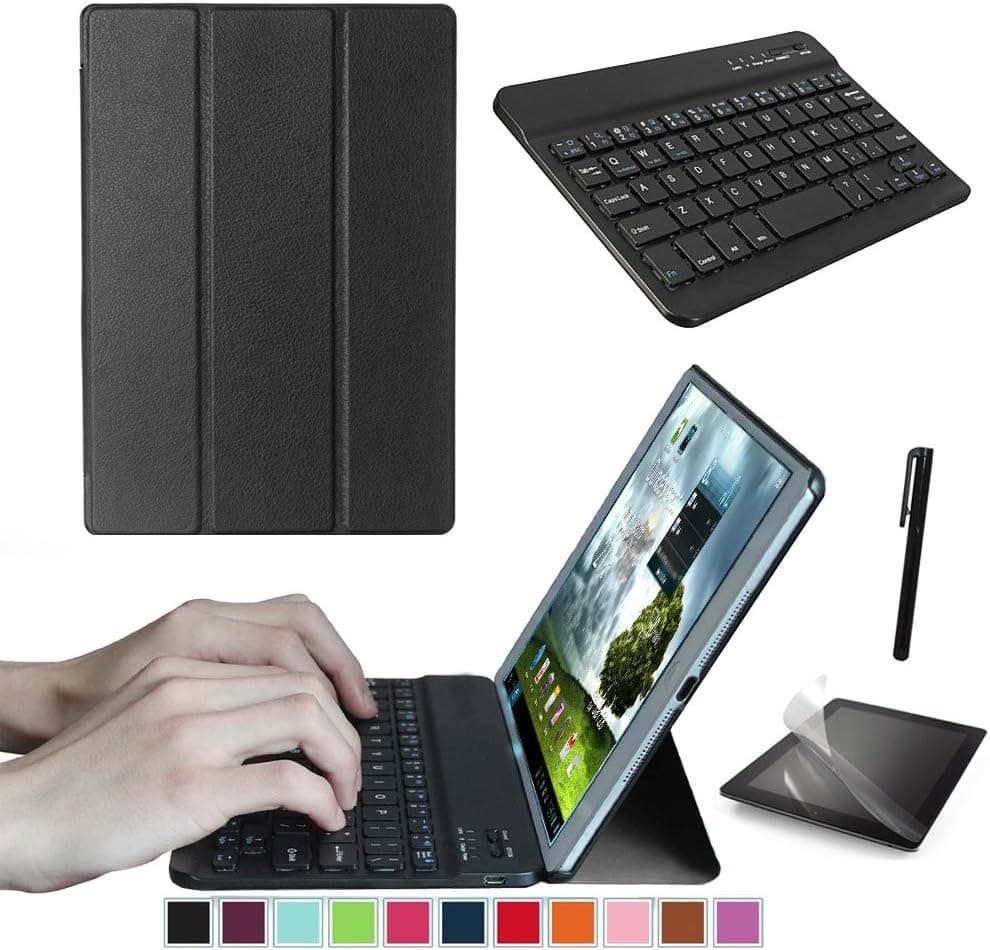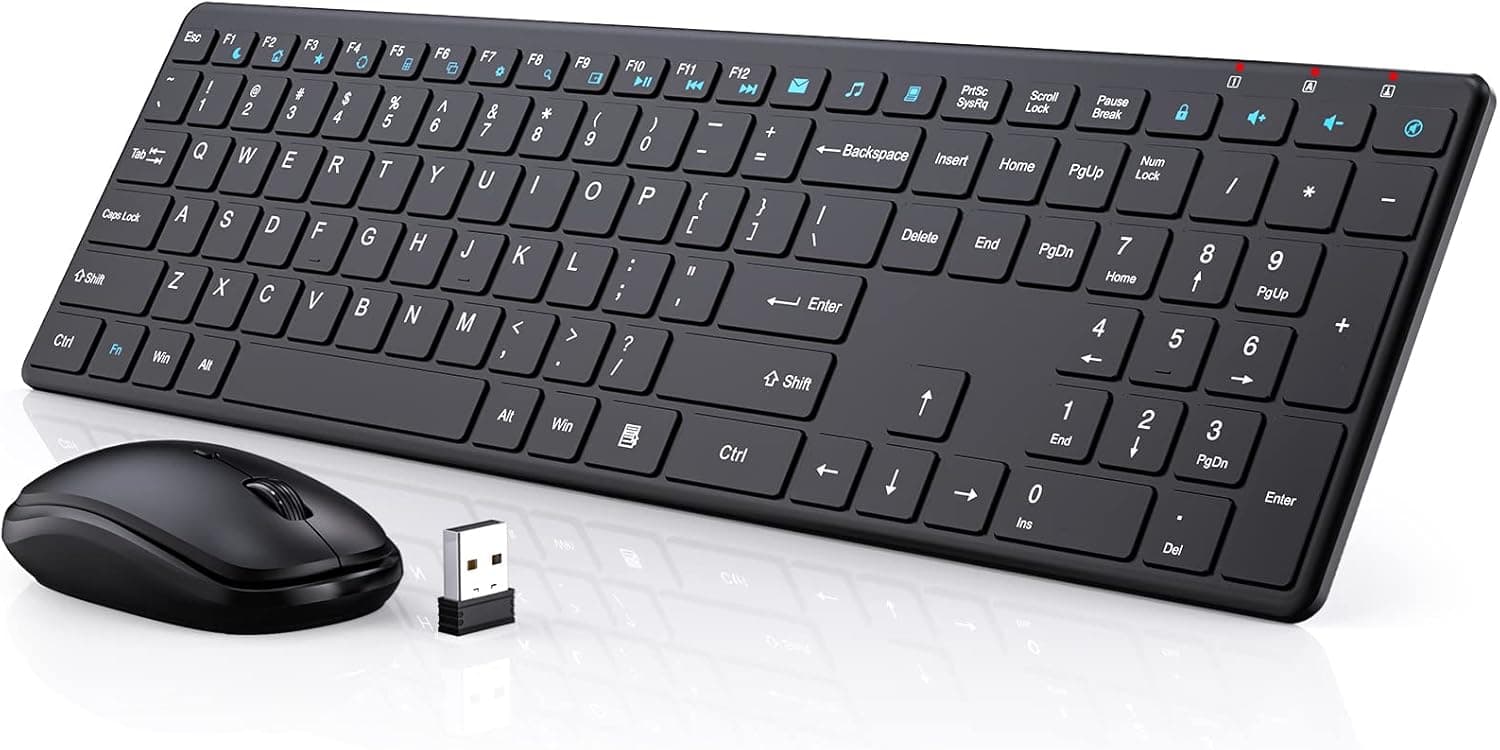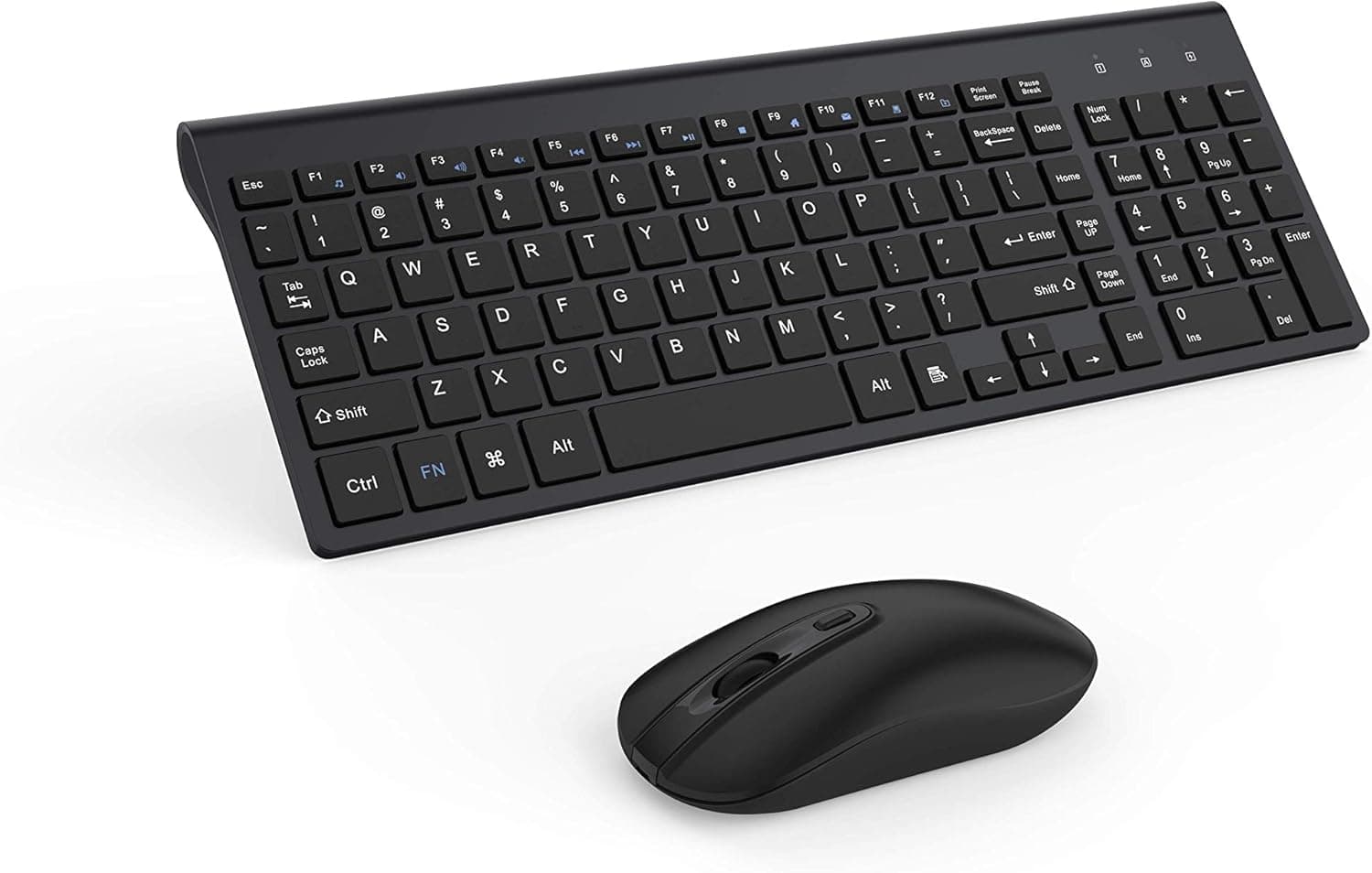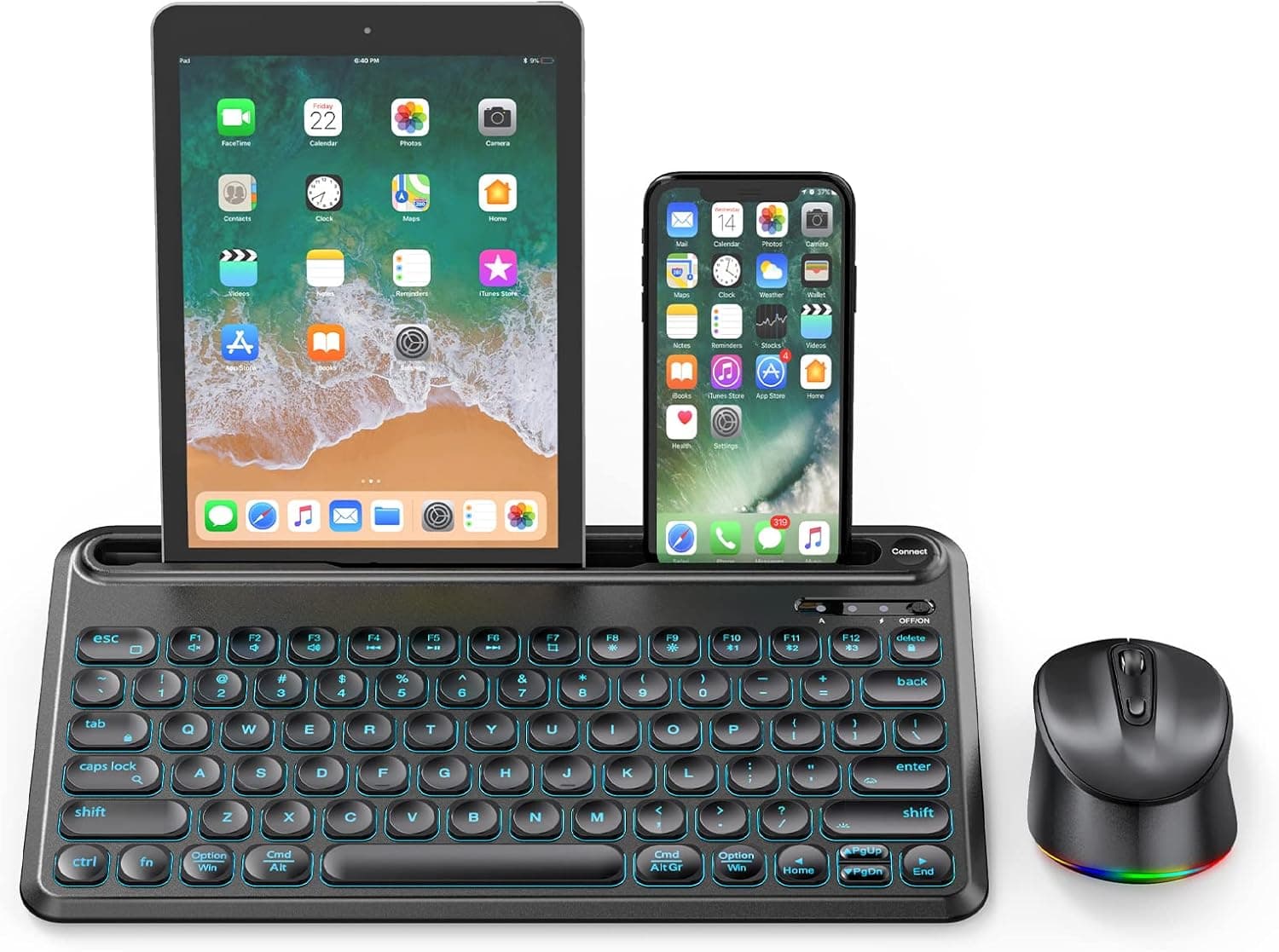
Multi-Device Keyboard and Mouse, Backlit Bluetooth Keyboard Mouse Combo for iPad Tablet Windows Android iOS Mac OS (Black)
How to connect the keyboard: 1.Turn on the keyboard, press and hold "fn" key, press BT1, LED1 blue light will flashes 1s and then off; 2.Press connect button, LED1 light flashes quickly, keyboard enters into pairing mode; 3.Go to your device Bluetooth list and find “Bluetooth 5.1 Keyboard”, connect to BT1 channel; 4.BT2 and BT3 connection are the same as BT1, when you successfully connected to 2 or 3 devices, you can switch among them easily by pressing fn + BT1/BT2/BT3. Elegant LED Backlight
- ASIN
- B09QGKVNVP
- Embedding
- CLIP ViT-L/14 · 768d
- Distance metric
- cosine
- Doc fetch
- 5mscache hitGET /v2/namespaces/amazon-products/documents/B09QGKVNVP
- Similar query
- 38msre-embed title → /query
Doc fetch goes through Layer's Aerospike pull-through cache; cache hit served the row without touching turbopuffer. The similar query re-embeds this product's title with CLIP-text and runs a vector query — queries don't go through the doc cache, so no cache header is set.
Search inside customer reviews
You might also like