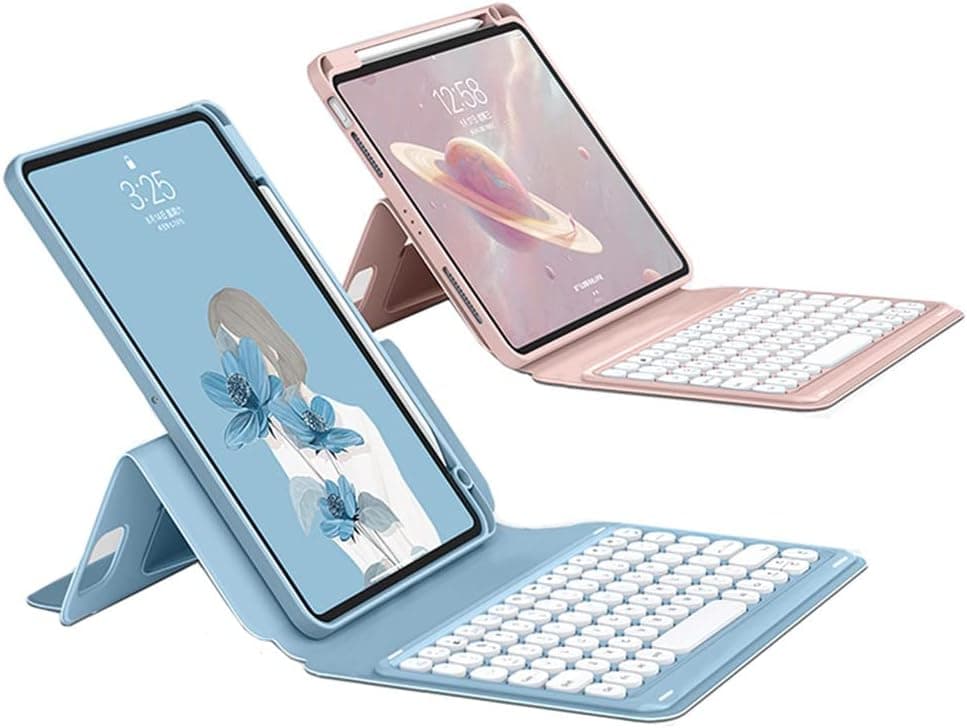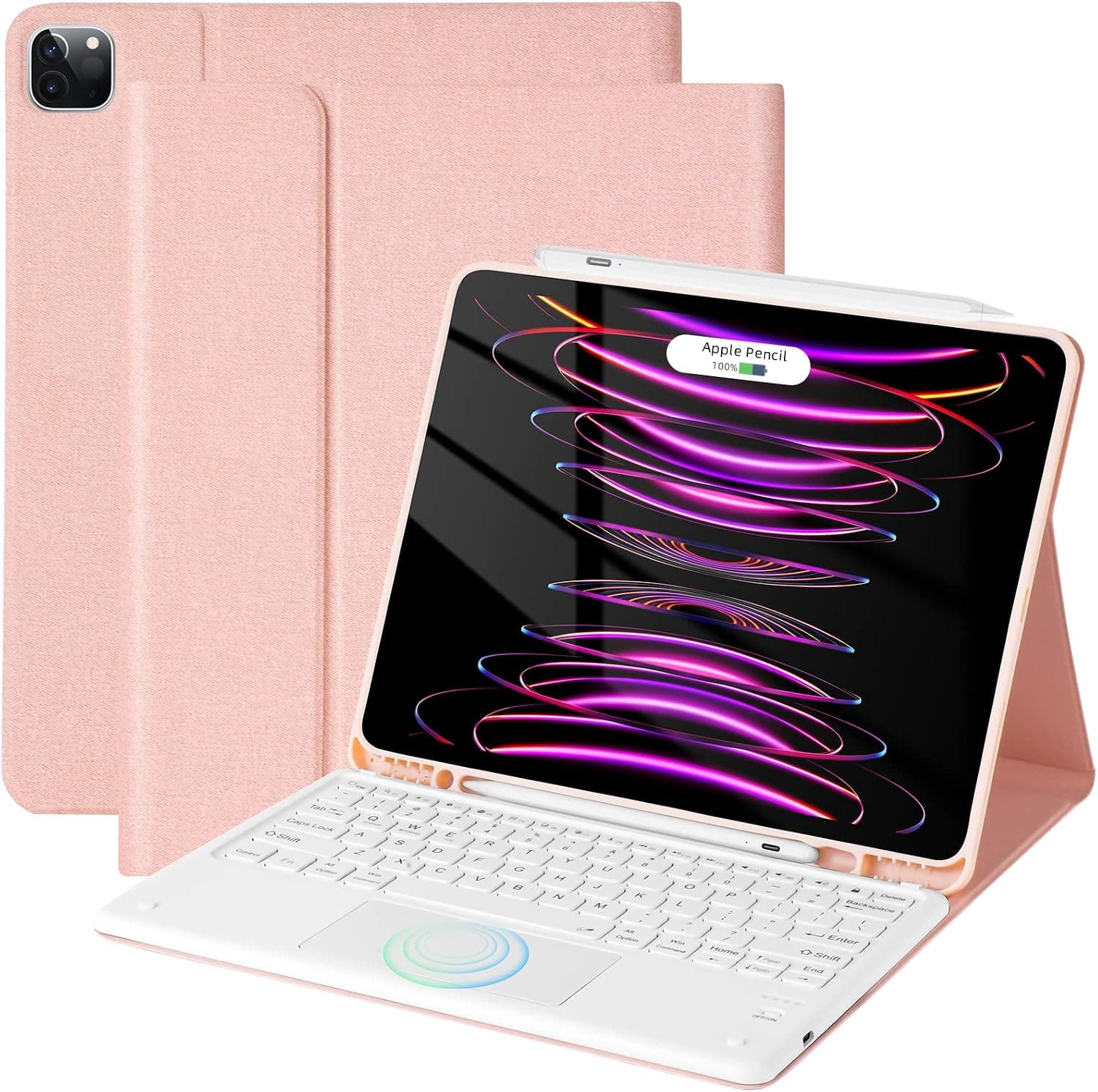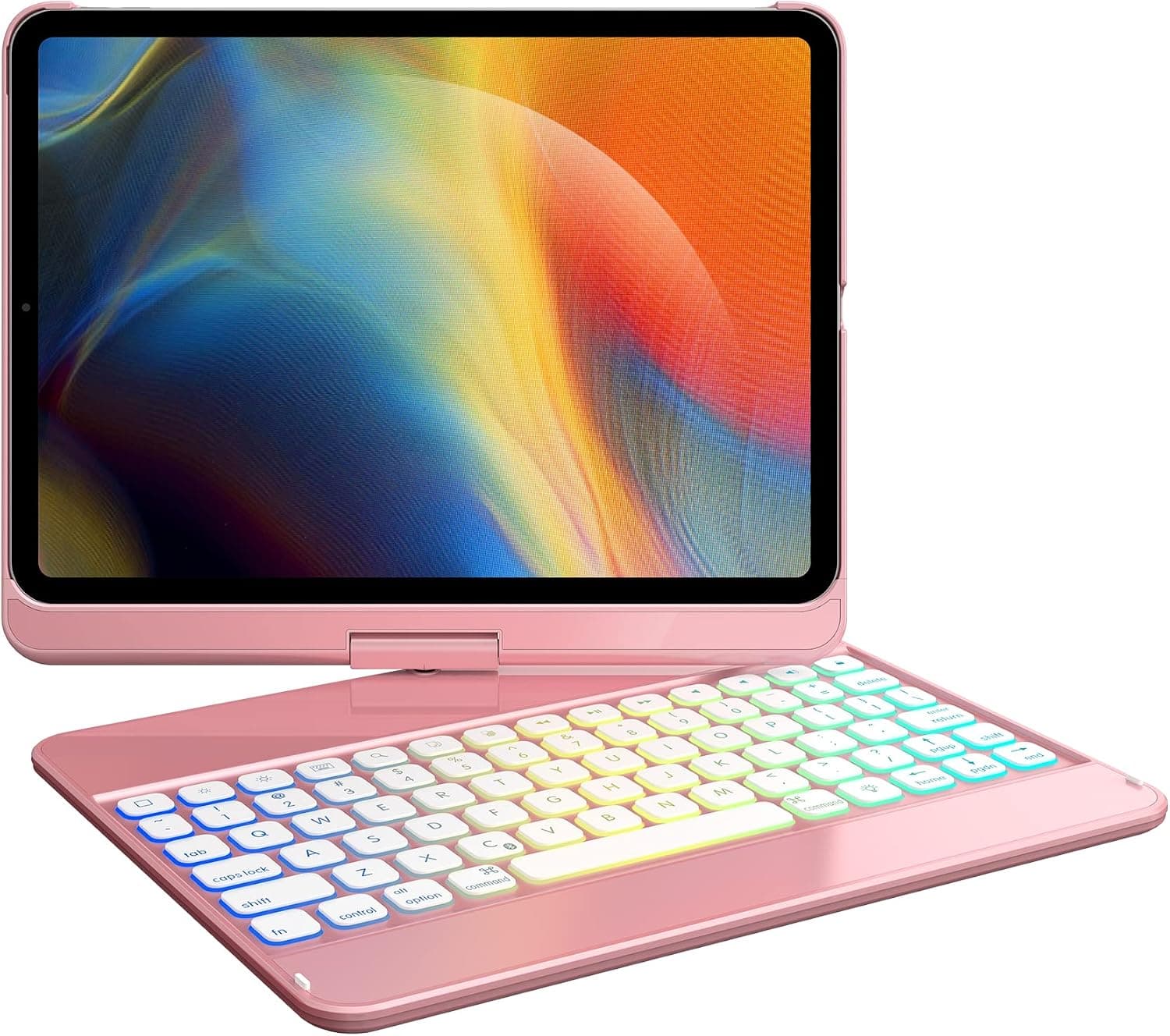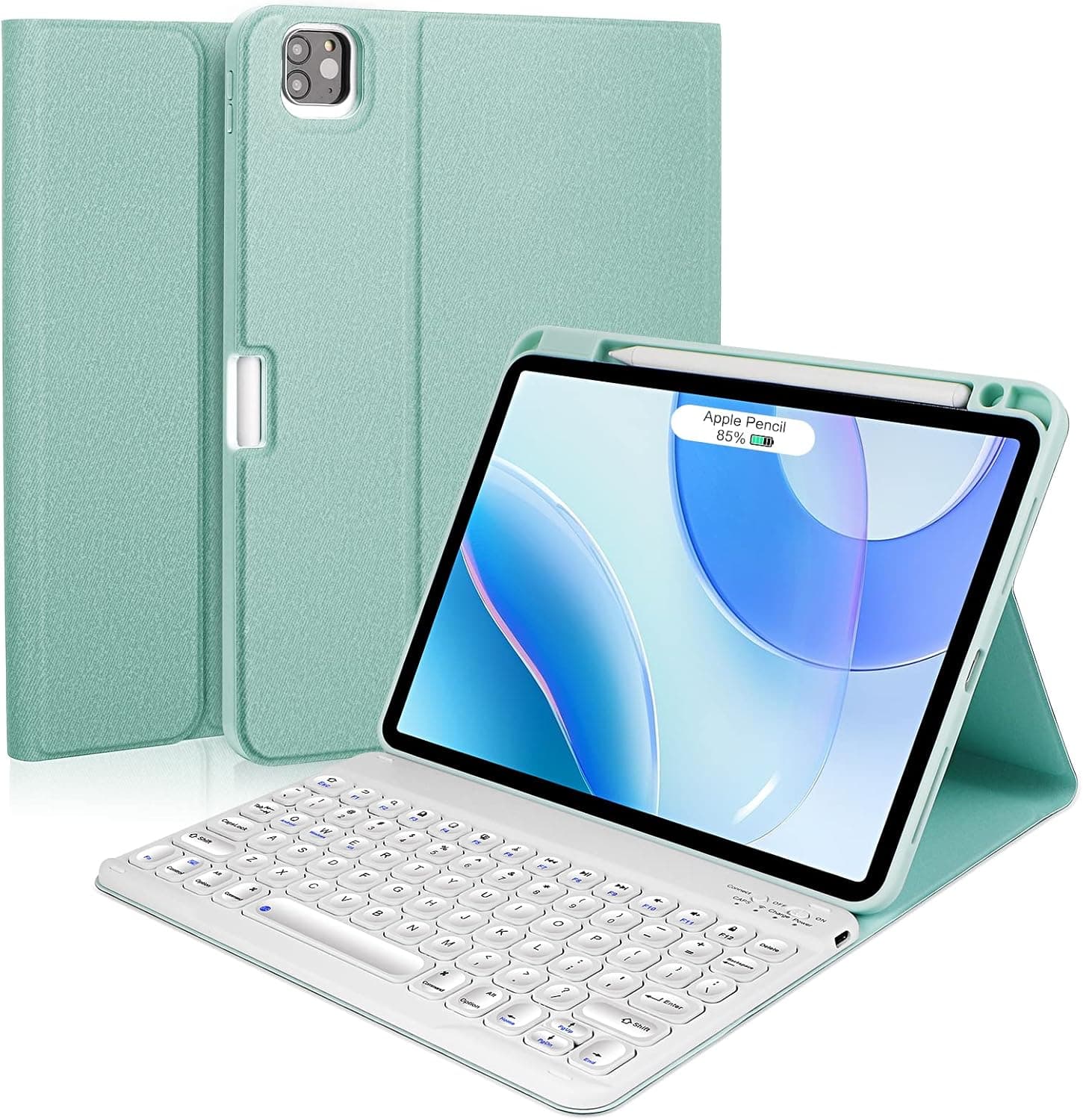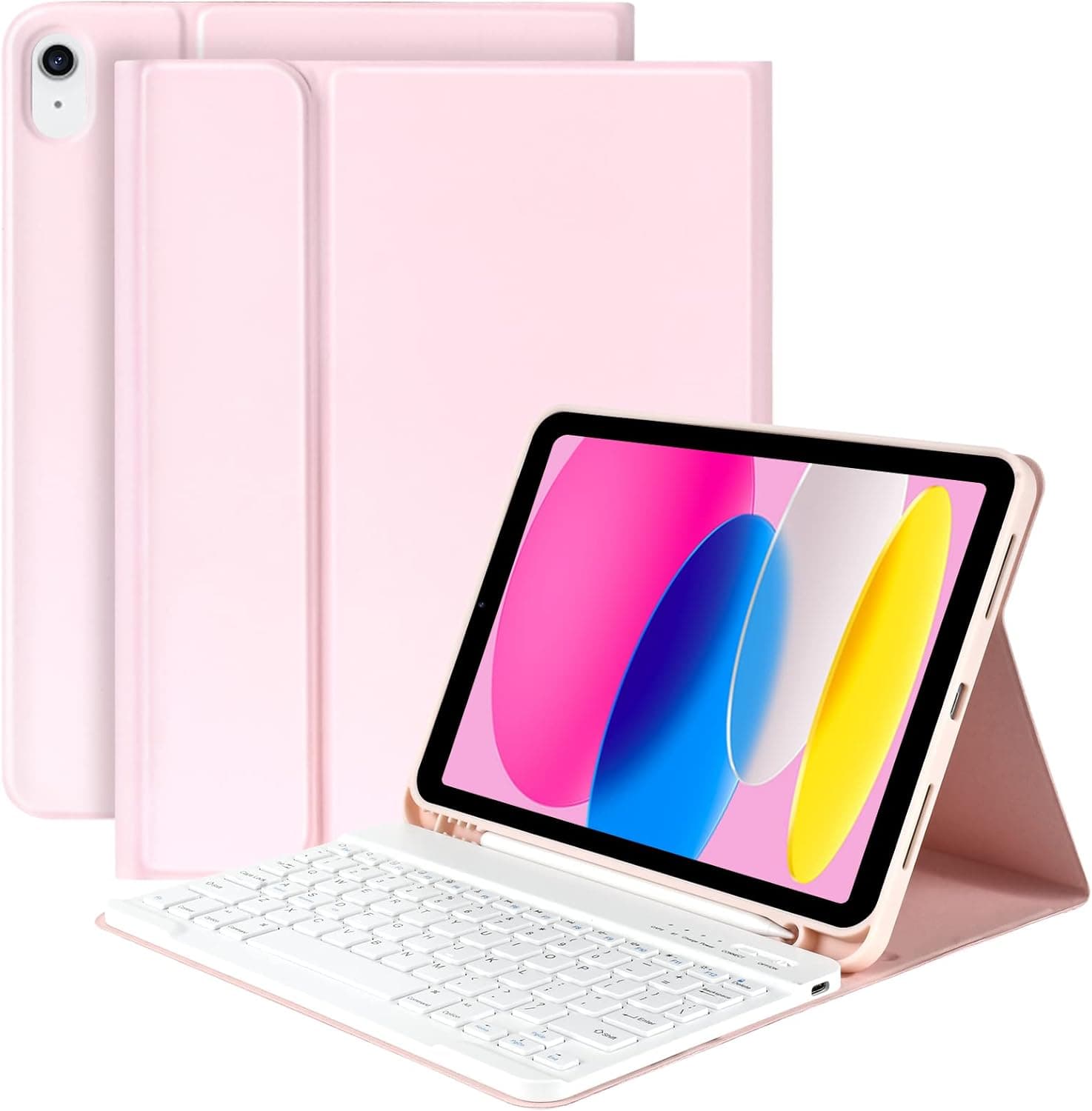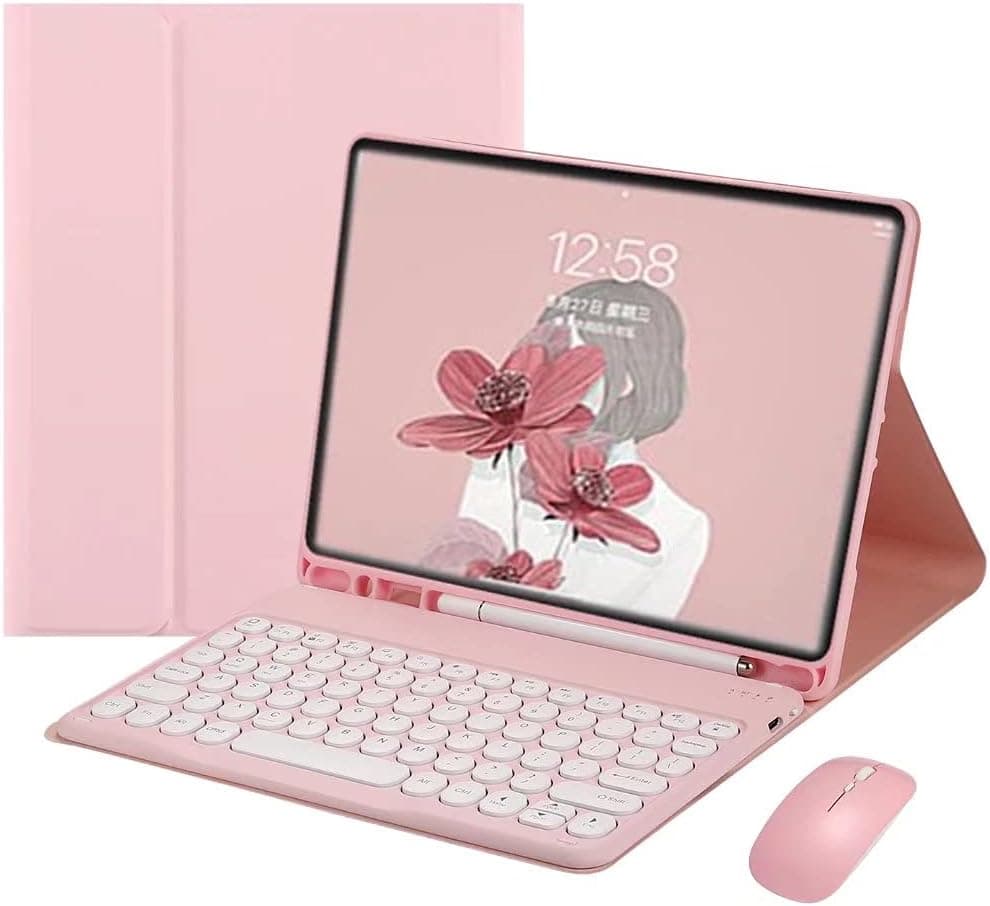
PboyiqiS Keyboard Case for iPad 9th/ 8th/ 7th Generation,iPad 10.2’’ Keyboard with Mouse Cute Round Key Detachable Case with Pencil Holder(iPad 9/iPad 8/iPad 7 10.2 inch, Pink)
How to get the keyboard sync with your ipad: 1.Please fully charge the keyboard and turn it on, the light comes on and then goes off. 2.Press the "FN+C" to open keyboard's bluetooth. note:please press"Fn""C" together. 3.Go to your tablet settings, click on bluetooth and look for the keyboard. 4.Click on the keyboard and it will connect. last, the keyboard case can work well. IMPORTANT: No.1:Please press "Fn" and "C" together to open the bluetooth. No.3:The keyboard automatically enters Sleep mode when it doesn't work for over 15 minutes. Click any key to activate the keyboard. No.4:The Bluetooth pairing is automatically interrupted when the tablet is in sleep mode. ABOUT OUR PROMISED please check the instruction carefully, if you still have other question, pleaes email to us, if the keyboard case had quality problem, you don't need return the keyboard case, we refund or replace at once. We promise that we let you satisfied!!! thank you
- ASIN
- B09GM1PH8Q
- Embedding
- CLIP ViT-L/14 · 768d
- Distance metric
- cosine
- Doc fetch
- 2mscache hitGET /v2/namespaces/amazon-products/documents/B09GM1PH8Q
- Similar query
- 26msnearest_to_id → /query
Doc fetch goes through Layer's Aerospike pull-through cache; cache hit served the row without touching turbopuffer. The similar query asks Layer for nearest neighbors of the stored product vector — queries don't go through the doc cache, so no cache header is set.
You might also like
![Keyboard Case for New iPad Pro 12.9 2021 5th Generation/2020 4th Gen/2018 3rd Gen - 7 Colors Backlit Detachable Keyboard Folio Smart Cover for iPad Pro 12.9 inch[Support Pencil Charging]-Rose Gold](/_next/image?url=%2Fapi%2Fblobs%2Famazon-products%2Fd82eb389a597e42ddf34e065e04a770ce9fba4b6b435cfdb90badbe6bb6426c9&w=3840&q=75)