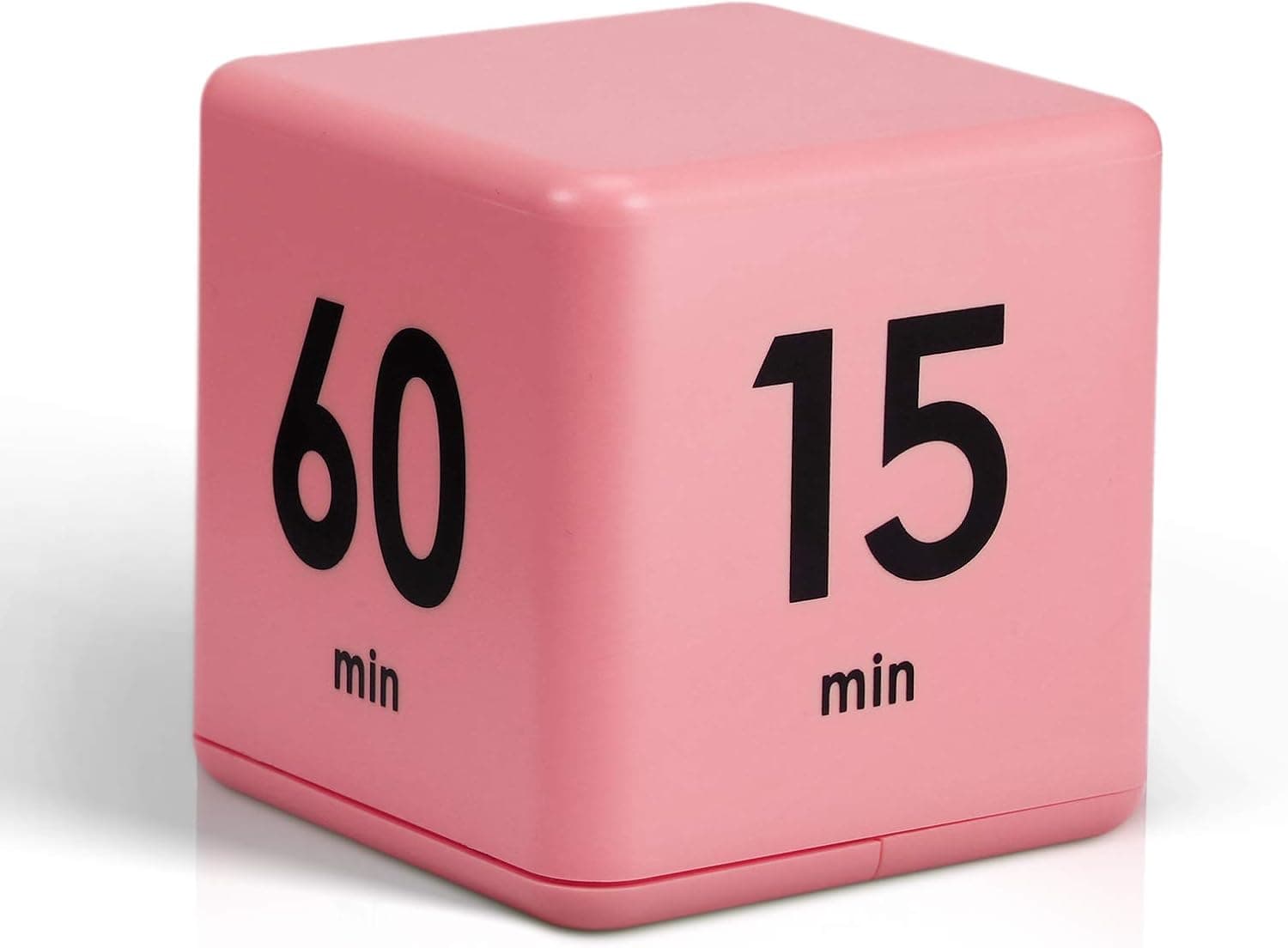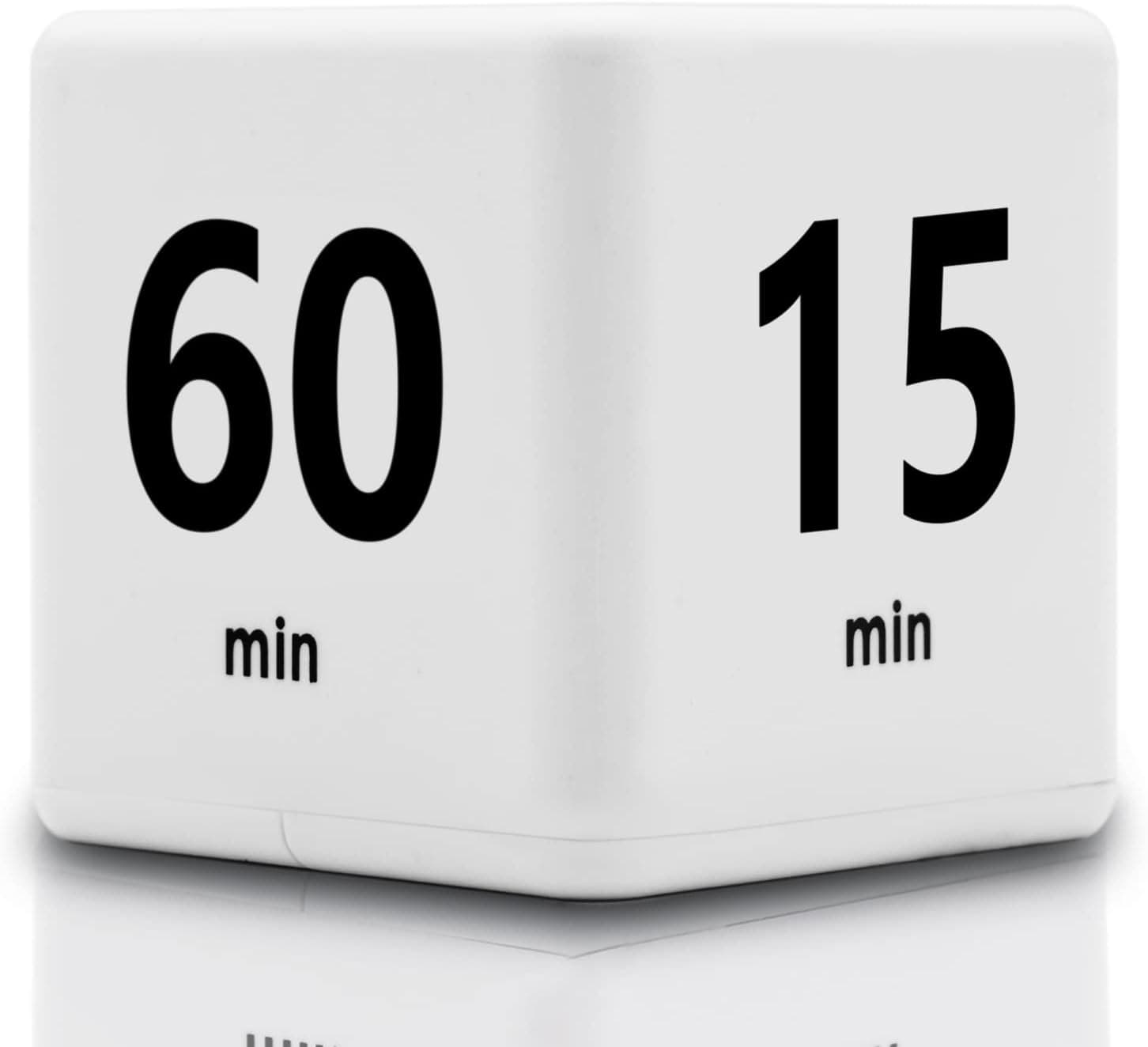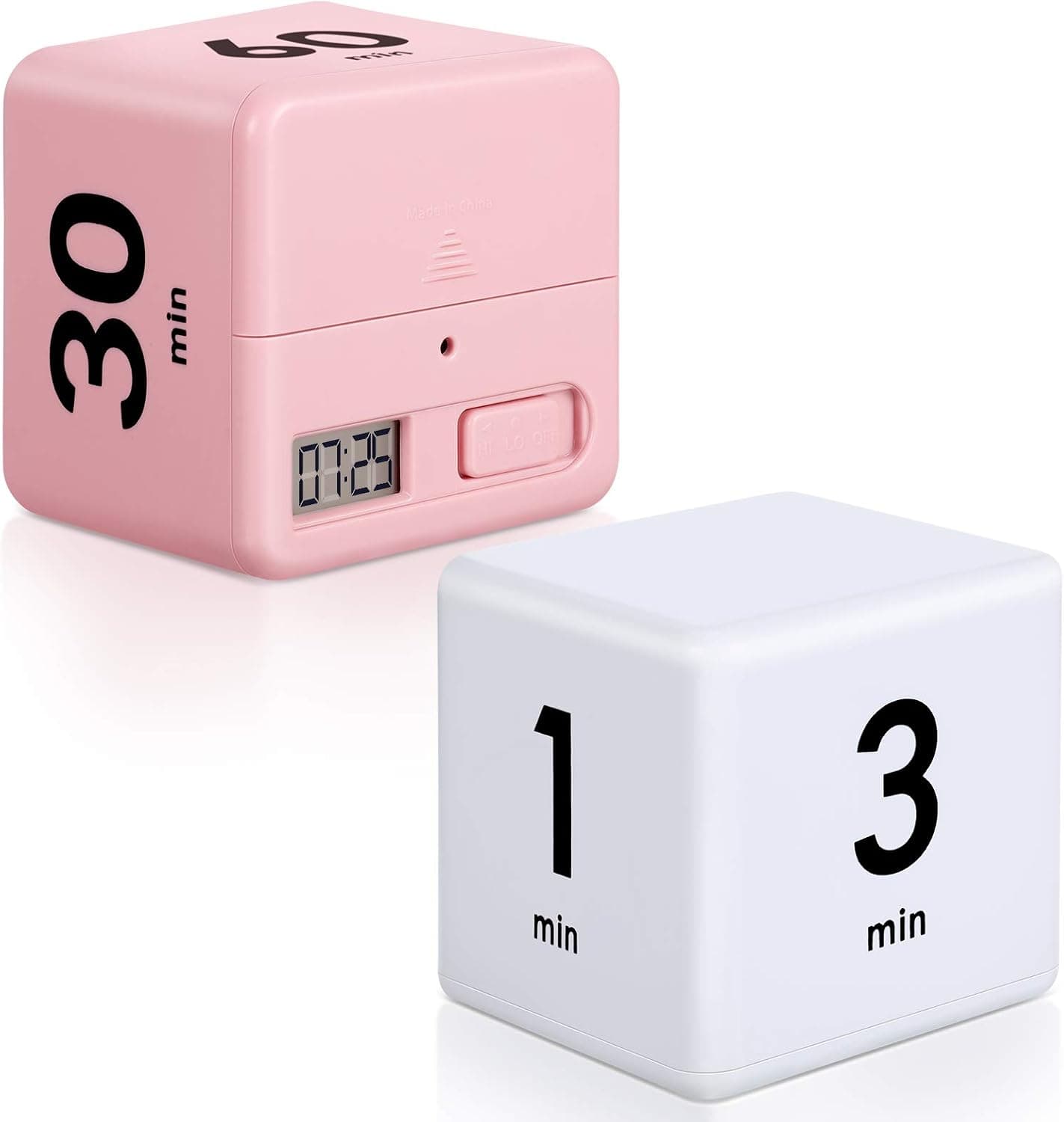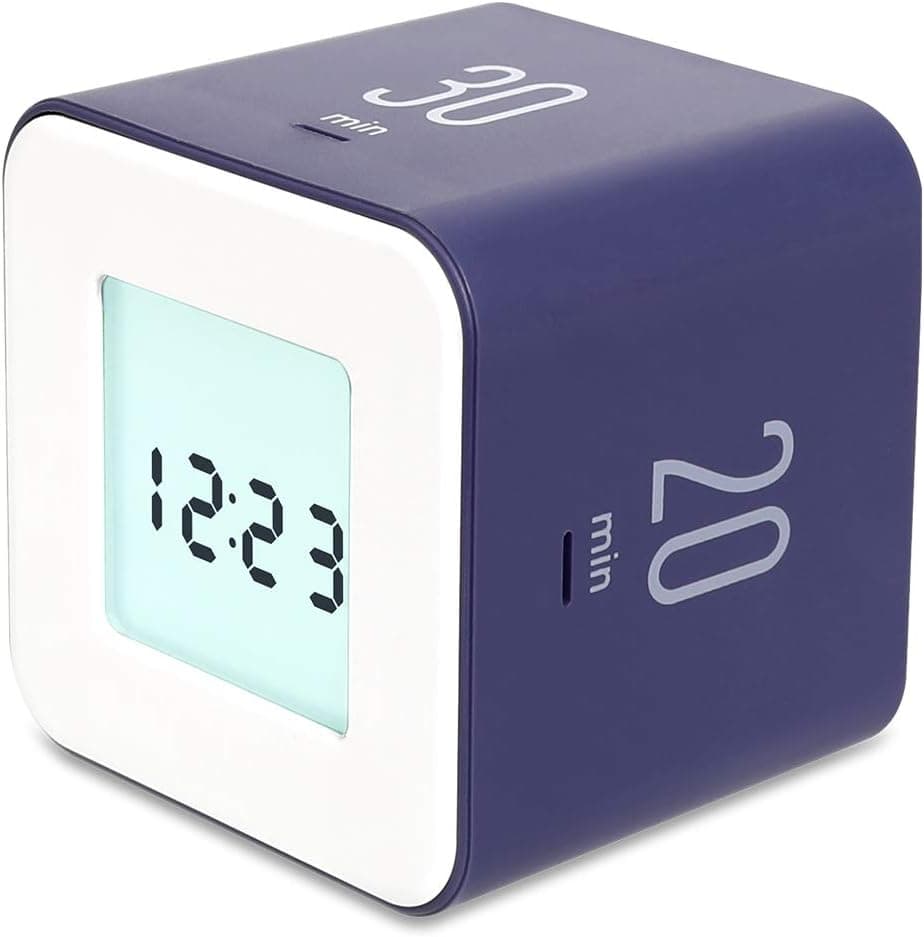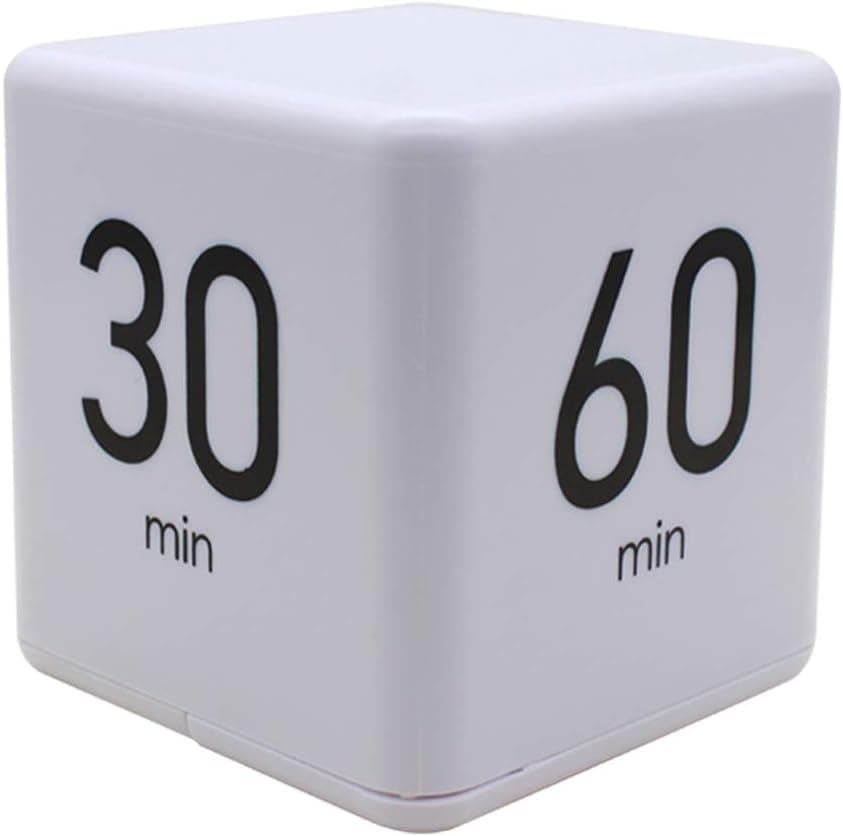
Ranvi TimeCube Timer, 15,20,30 and 60 Minutes, for Time Management, Kitchen Timer, Kids Timer, Workout Timer, White
Using Your Cube Timer: 1.Slide the switch on the cube to LO or HI.A beep will be heard confirming the setting. 2.Choose a desired alarm time. 3.On a hard-flat surface,place the side of the cube with the chosen time facing up.A beep will be heard confirming the setting. 4.A red light will flash until the selected time limit is reached. 5.When the time has fully elapsed,the alarm will beep. 6.To stop the Cube Timer at any time,turn the logo side facing up. 7.To tuen off alarm,slide the switch to the off position. Battery Installation:
- ASIN
- B08HWP5V71
- Embedding
- CLIP ViT-L/14 · 768d
- Distance metric
- cosine
- Doc fetch
- 5mscache hitGET /v2/namespaces/amazon-products/documents/B08HWP5V71
- Similar query
- 50msnearest_to_id → /query
Doc fetch goes through Layer's Aerospike pull-through cache; cache hit served the row without touching turbopuffer. The similar query asks Layer for nearest neighbors of the stored product vector — queries don't go through the doc cache, so no cache header is set.
You might also like