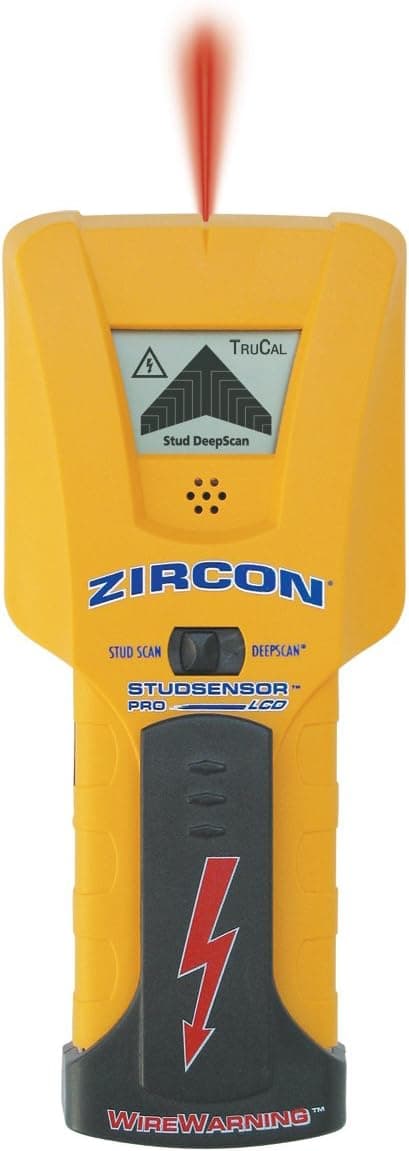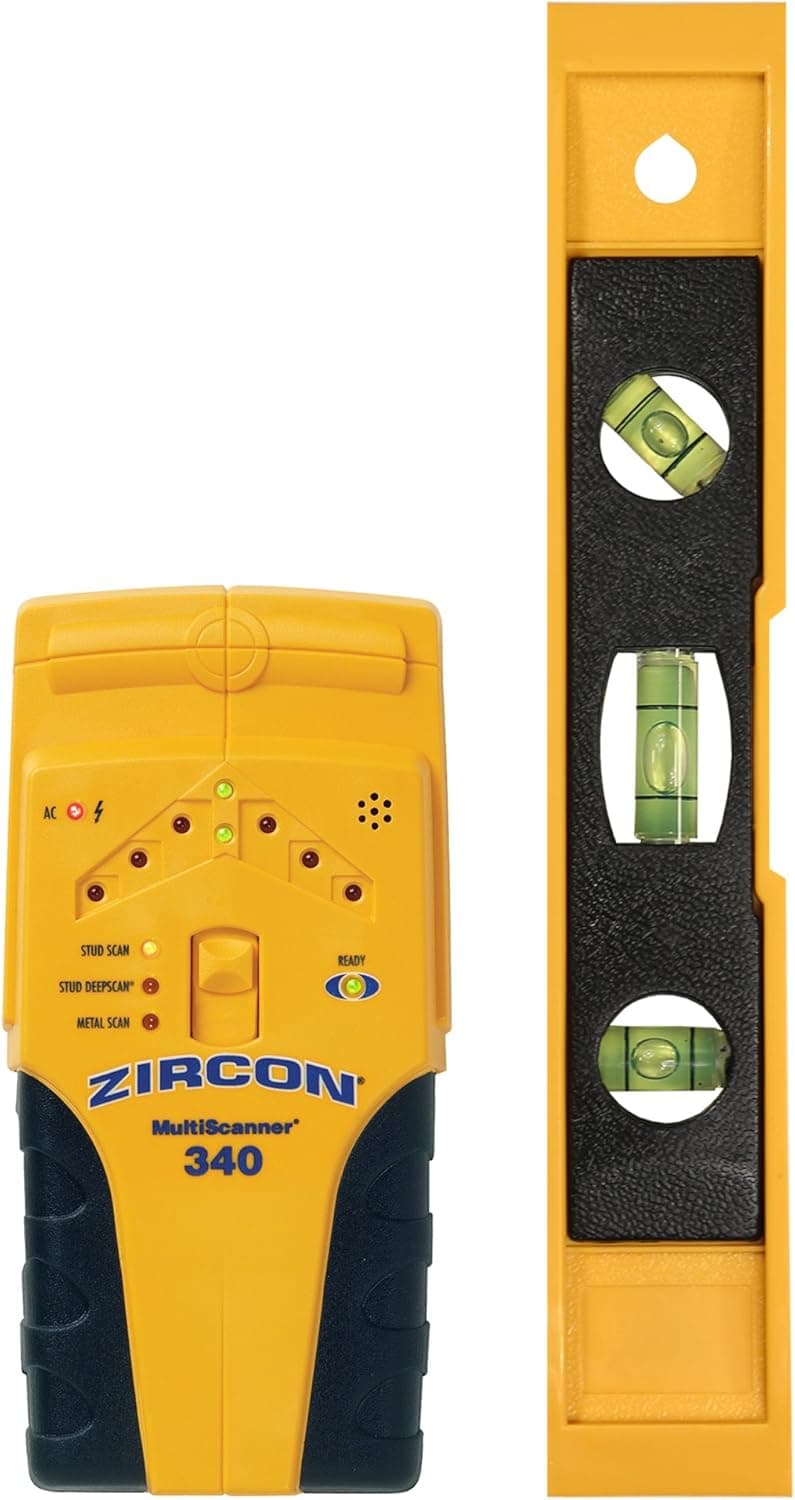
Zircon MultiScanner 340 Electronic Wall Scanner and Bonus 9" Level/Edge Finding Stud Finder for Wood and Metal Studs/Metal Detector for Plumbing/Live AC WireWarning Detection to Avoid Hazards
Whether you are mounting a new TV, installing garage storage, or tackling a home remodel, the Zircon MultiScanner 340 with Bonus 9" (230 mm) Level has the functions you need to get the job done safely the first time. Complete with the latest technology in density detecting software and circuitry, the feature-rich MS 340 quickly and easily locates the edges of studs, metal and live electrical wiring behind walls, floors, and ceilings. A 3-mode switch makes it easy to change functions, while the ultra-bright LED indicator lights, SpotLite Pointing System, and audio tone all indicate the location of the target. In StudScan mode, the MS 340 stud finder locates the edges of wood or metal studs up to 3/4 of an inch (19 mm) deep. Switch over to DeepScan mode and double the scanning depth to 1.5 inches (38 mm). The MS 340 scanner also has a Metal Scan mode which provides the ability to locate non-ferrous metal, such as copper pipes, up to 1.5 inches (38 mm) deep and ferrous metal, such as rebar, up to 3 inches (75 mm) deep. Using Metal Scan mode, studs can be found behind lath and plaster walls and even tile, by identifying the consistent pattern of screw or nail heads in the studs. Additionally, the MS 340 is programmed with WireWarning Detection, a feature that indicates the presence of live unshielded electrical AC wires up to 2 inches (50 mm) deep when scanning in the stud and metal scan modes. To get started, install one brand new 9V alkaline battery (not included). Finding studs with this edge finding tool is simple. Place the unit flat against the wall and press the Power Button to calibrate the sensor. Once you hear a beep indicating calibration is complete, continue to hold the Power Button as you slowly slide the tool across the surface. The MS340 beeps and the Spotlight Pointing System illuminates when an increase in density (the edge of the stud) has been detected. DO NOT DRILL HERE! Instead, mark the spot and continue past the stud. Repeat the process in the opposite direction and mark the opposite edge of the stud. The center of the stud is midway between the two marks. Drill between the two marks into the center of the stud, making sure to double check if metal is present and to note whether the WireWarning Detection is alerting to live, unshielded AC wiring. With the MultiScanner 340 with Bonus 9" (230 mm) Level, you can safely maneuver through even your most difficult project with the professional confidence that comes from owning a Zircon.
- ASIN
- B071G591JW
- Embedding
- CLIP ViT-L/14 · 768d
- Distance metric
- cosine
- Doc fetch
- 16mscache hitGET /v2/namespaces/amazon-products/documents/B071G591JW
- Similar query
- 36msre-embed title → /query
Doc fetch goes through Layer's Aerospike pull-through cache; cache hit served the row without touching turbopuffer. The similar query re-embeds this product's title with CLIP-text and runs a vector query — queries don't go through the doc cache, so no cache header is set.
Search inside customer reviews
You might also like